What Scenarios does
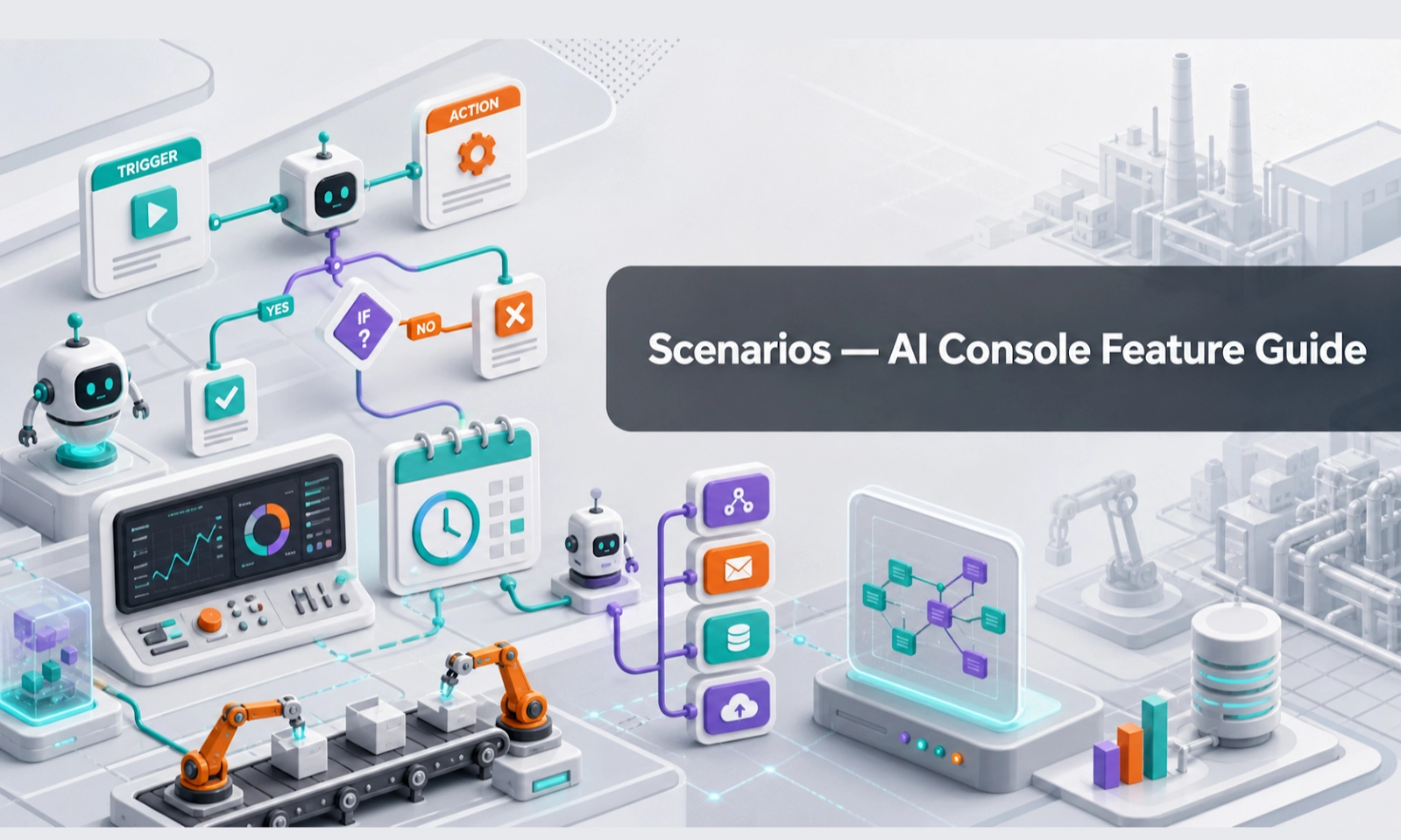
Scenarios are structured workflows that guide how the AI Agent should handle different types of customer conversations. Instead of letting every conversation happen randomly, scenarios help the AI follow a clear path.
For an AI webstore or equipment business, scenarios are useful for rental enquiries, quotation requests, product recommendations, spare parts questions, service support, warranty questions, delivery questions, and complaints.
Who should use this feature
Use Scenarios if you are an admin, sales manager, rental manager, support lead, operations lead, or anyone responsible for how customer enquiries should be handled.
When to use it
Use Scenarios when the AI needs to follow a specific process. You should create or improve scenarios when Conversations show that the AI is missing key questions, collecting weak lead details, or handing over too early or too late.
Before you start
Choose one workflow to build first. Do not try to build every scenario at once.
Good first scenarios include:
- rental enquiry
- quote request
- product recommendation
- spare parts enquiry
- service support request
- after-hours enquiry
- complaint or urgent issue handover
For each scenario, prepare:
- customer intent
- required questions
- optional questions
- information source the AI should use
- when to create a lead
- when to hand over to a human
- final message or next step
Step-by-step guide
- Open Scenarios from the console menu.
- Choose an existing scenario to edit or create a new one.
- Name the scenario clearly. Example: "Forklift Rental Enquiry" or "Spare Parts Request".
- Define when the scenario should start. Example: when a customer asks about renting equipment, requesting a quote, or checking service support.
- Add the questions the AI should ask. Keep them practical and not too long.
- Mark the information that is required before handover.
- Add rules for what the AI should do next. Example: create lead, ask for contact details, recommend product category, or hand over to sales.
- Add escalation rules for sensitive or complex cases.
- Save the scenario.
- Test it in Playground using realistic customer messages.
- Review real results in Conversations and improve the scenario when needed.
Example scenario: rental enquiry
Trigger: Customer asks to rent equipment.
AI should ask:
- What equipment do you need?
- Where is the job site?
- When do you need it?
- How long is the rental period?
- What capacity, height, power, or size do you need?
- Do you need delivery?
- What is your name, company, phone number, and email?
Human handover: Required when the customer asks for final price, final stock availability, urgent delivery, unusual technical use, or special discount.
What good looks like
A good scenario makes the conversation feel organised without making the customer feel like they are filling a long form.
Good signs include:
- the AI recognises the customer's intent
- the AI asks only useful questions
- the AI does not repeat questions unnecessarily
- required details are collected before handover
- the lead or handover summary is easy for your team to act on
- the AI escalates complex or sensitive cases properly
Common problems and what to check
The AI asks too many questions at once. Break the flow into smaller steps. Ask the most important questions first.
The AI misses important details. Add those details as required questions in the scenario.
The AI starts the wrong scenario. Make the scenario trigger clearer.
The AI does not create a lead. Check the lead creation rule and required contact fields.
The AI handles complex requests by itself. Add stronger escalation rules.
Best practices
Start with your highest-value enquiry type. For many equipment businesses, this is rental enquiry or quotation request. Keep scenario names simple. Test with real customer language, including short and messy messages. Review scenarios monthly based on real Conversations.
Done checklist
- At least one high-value scenario is created.
- Required questions are clear.
- Lead capture rules are defined.
- Handover rules are defined.
- The scenario has been tested in Playground.
- Real conversations are reviewed for improvement.
Next recommended guide
Continue with Integrations so customers can reach the AI Agent through your webstore, website, WhatsApp, or other connected channels.