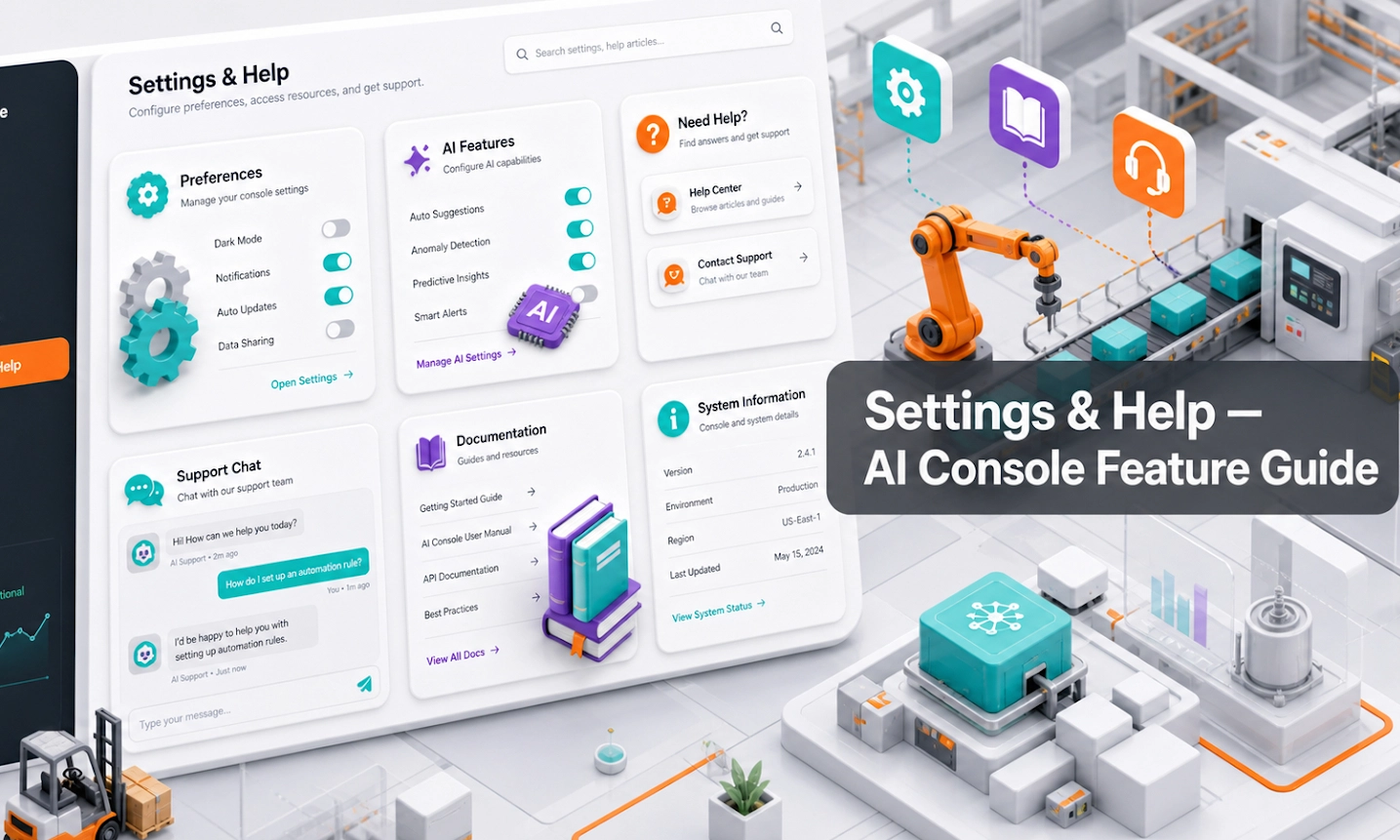
What Settings & Help Does
Settings & Help is the Antbuildz AI Console module for configuration, support resources, team guidance, credits, account preferences, and help workflows. It gives your team a practical control point instead of forcing them to search across chat logs, spreadsheets, disconnected tools, or manual notes.
The module is designed around real equipment workflows: rental availability, product fit, quote intent, spare parts questions, service follow-ups, and branch-level accountability.
What This Feature Is For
- Settings controls usage options, top-up preferences, brand colour, email alerts, and team permissions. Help opens the AI Help Assistant, which routes users to the correct console area when they are unsure where to go.
How Settings And Help Supports Antbuildz AI Agent
- The AI model already has general training. It understands language, common equipment terms, and broad industry concepts. But it does not automatically know your company, your catalogue, your pricing rules, your SOP, your warranty terms, your handover process, or which answer your sales team considers correct.
Think of the Antbuildz AI Agent like a new AI employee. It may be smart, but it still needs onboarding. This feature is one part of that onboarding process. The information you enter here becomes operating context the agent can use later when answering customers, qualifying leads, creating deals, or deciding when to hand over to your team.
Settings defines the operating environment around the AI employee: who can edit it, who receives alerts, whether usage can top up automatically, and how users get help inside the console. Poor permissions and alerts do not make the model less intelligent, but they make the business process around the AI unreliable.
What This Teaches Your AI Employee
- This section explains the company-specific knowledge, rules, or operating signals that Antbuildz AI Agent needs before it can behave like a useful AI employee for the business.
1. Team Permission Model
Team Permission Model is a training input that helps Antbuildz AI Agent move from general AI knowledge to company-specific execution.
- Why it matters: Only trusted users should be able to change the AI employee's knowledge, rules, integrations, and billing.
- How to prepare it: Give edit access to owners and operators; give view access to reviewers.