What Knowledge Base does
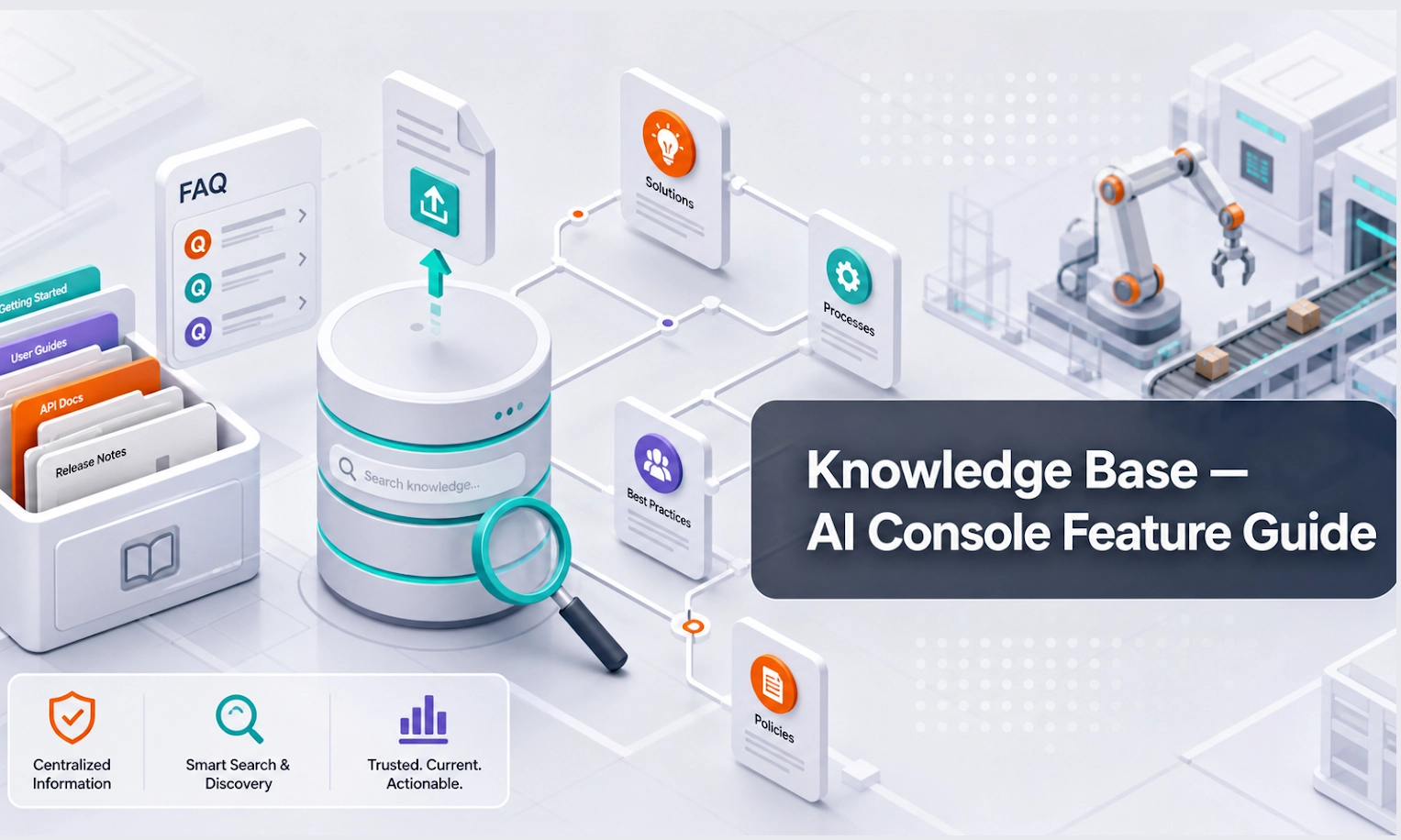
Knowledge Base is the library your AI Agent uses when answering customers. Instead of relying only on general AI knowledge, the agent can refer to the documents and information you provide.
For an AI webstore or equipment business, this may include product brochures, rental terms, delivery policies, warranty information, spare parts guides, service FAQs, company profile, branch information, and quotation rules.
Who should use this feature
Use Knowledge Base if you are an admin, product manager, sales manager, rental manager, service manager, marketing team member, or anyone responsible for the information customers should receive.
When to use it
Use this feature during initial setup, whenever you add new products or services, when policies change, and when Conversations show that the AI is missing important information.
Before you start
Prepare clean and accurate source materials. The AI can only answer well if the information is clear.
Useful materials include:
- product catalogues
- rental terms and conditions
- pricing explanation documents
- delivery and pickup policies
- warranty and service policies
- spare parts FAQs
- branch contact details
- company profile
- common customer questions and approved answers
- website URLs that contain current information
Step-by-step guide
- Open Knowledge Base from the console menu.
- Choose the type of content you want to add, such as document upload, URL, text, FAQ, or product information.
- Upload or paste the information.
- Give the content a clear name. Example: "Forklift Rental FAQ", "Generator Product Specs", or "Delivery Policy".
- Add a short description if the console allows it. This helps your team understand what the content is for.
- Save or process the content.
- Check whether the content status shows as ready or active.
- Go to Playground and ask questions that should use the new knowledge.
- If the AI answer is weak, improve the source content. Make it clearer, shorter, and more direct.
- Review and update the Knowledge Base regularly.
Writing good knowledge content
Good AI knowledge is clear, specific, and easy to retrieve. Avoid uploading messy documents with outdated information, repeated text, or unclear terms.
Use simple structure:
- question or topic
- direct answer
- conditions or exceptions
- when to hand over to a human
Example:
Question: Can customers confirm final rental availability through the AI Agent?
Approved answer: The AI Agent can collect the rental requirement and check available information, but final availability must be confirmed by the sales or rental team before quotation.
What good looks like
A healthy Knowledge Base helps the AI answer common customer questions accurately and consistently.
Good signs include:
- documents are named clearly
- knowledge format is easily readable by AI
- outdated files are removed or replaced
- answers match company policy
- the AI can answer FAQs in Playground
- the AI knows when information is missing and asks for human support
- product and policy answers are consistent across different customer questions
Example workflow
Your company receives many questions about generator rental. You upload generator specifications, rental terms, delivery areas, and FAQs. In Playground, you ask: "What generator size do I need for a small event?" The AI should ask about power requirements, event duration, location, and noise limits instead of guessing a final recommendation too early.
Common problems and what to check
The AI says it does not know. The answer may not exist in the Knowledge Base, or the document may be unclear. Add a direct FAQ or improve the source document.
The AI gives outdated information. Remove old files and upload the latest version. Avoid keeping multiple conflicting versions.
The AI gives a long answer. Rewrite the source content into shorter sections with clear headings.
The AI answers from the wrong document. Use clearer file names and remove duplicate or conflicting content.
The AI still fails after uploading content. Test in Playground and check whether the content has finished processing. Also review Agent Setup to make sure the AI is instructed to use company knowledge.
Done checklist
- Key business documents are uploaded.
- Documents are well formatted for AI's readability.
- Product and service information is clear.
- Policies and FAQs are current.
- Outdated or duplicate documents are removed.
- New knowledge has been tested in Playground.
Next recommended guide
Continue with Inventory Management so your AI Agent can support product, equipment, stock, and availability-related enquiries more accurately.