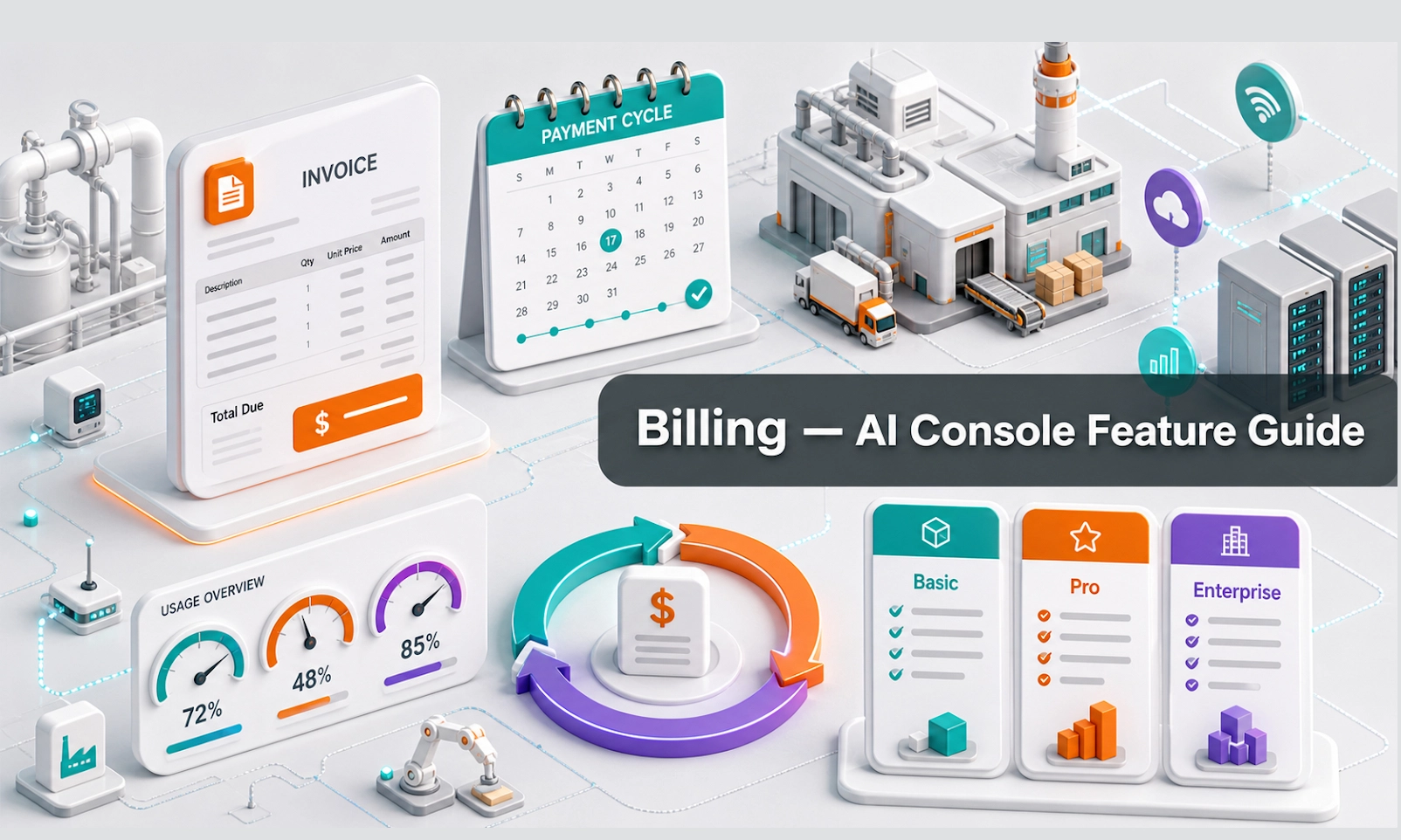
What Billing does
Billing shows the commercial side of your Antbuildz AI Console account. Depending on your plan, it may include your subscription plan, usage, credits, renewal details, upgrade options, and billing status.
For an AI webstore or equipment business, Billing helps owners and finance teams understand the cost of running the AI Agent across customer conversations, channels, branches, or users.
Who should use this feature
Use Billing if you are the account owner, finance user, admin, business owner, or manager responsible for subscription and usage cost.
When to use it
Use Billing when you first subscribe, before renewal, after a usage spike, when considering an upgrade, when checking available credits, or when your finance team needs account cost visibility.
Before you start
Make sure you have permission to view billing information. In many companies, billing access should be limited to owners, finance users, or senior admins.
Prepare these details if you need to review cost:
- current plan
- expected monthly conversation volume
- number of agents or users
- connected channels
- branch or team usage
- invoice or receipt requirements
- payment method status
Step-by-step guide
- Open Billing from the console menu.
- Check your current plan or subscription status.
- Review your usage or available credits if shown.
- Check renewal date, billing cycle, or plan limit if available.
- Compare current usage with your expected customer enquiry volume.
- Review whether you need to upgrade, top up credits, or reduce unnecessary usage.
- If your payment is failing or your account is at risk of interruption, go to Payment Methods and update the payment details.
- For finance records, go to Invoices to download receipts or invoice history.
- Review Billing monthly so usage does not become a surprise.
What good looks like
A healthy billing setup should make cost and account status clear.
Good signs include:
- subscription status is active
- usage or credits are visible
- payment method is current
- invoice records are available
- finance users know where to download billing documents
- the team understands whether the current plan matches usage
Example workflow
Your webstore AI Agent receives more enquiries after a marketing campaign. The owner opens Billing to check usage and credits. If usage is increasing, the owner reviews whether the current plan is enough and checks Invoices for finance records.
Common problems and what to check
Usage is higher than expected. Check Conversations and User Activities to see which channels or campaigns are driving activity.
Credits are running low. Review your plan or credit top-up options if available.
Billing access is missing. Ask the account owner or admin to review user permissions.
Payment failed. Go to Payment Methods and update the payment method. Do not send full card details through chat or email support.
Finance needs receipts. Go to Invoices and download the relevant records.
Best practices
Review Billing monthly. Keep payment methods updated. Limit billing access to the right users. Connect billing review with business performance, not just cost. If AI usage is increasing because qualified leads are increasing, compare spend against sales or rental opportunities.
Done checklist
- You know your current plan or subscription status.
- You can check usage or credits if available.
- Payment method status is clear.
- Finance users know where to find invoices.
- Billing is reviewed regularly.
Next recommended guide
Continue with Invoices to learn how to find and download billing records.