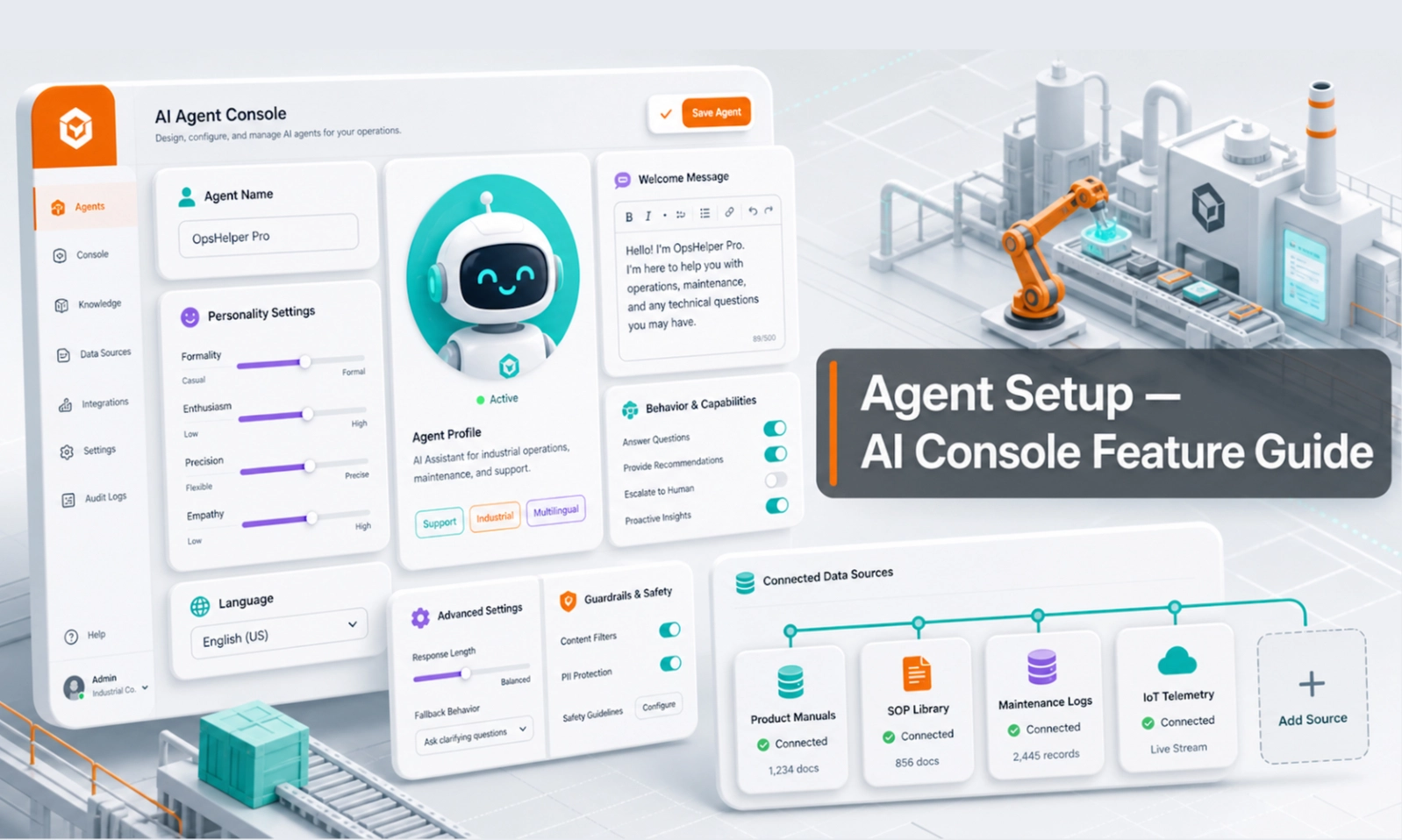
What Agent Setup does
Agent Setup controls the AI Agent's identity and operating rules. It helps the agent understand what business it represents, what kind of customers it serves, what it is allowed to answer, and when it should stop and ask a human for help.
This setup matters because the AI Agent should not sound like a random chatbot. It should behave like a trained member of your sales, rental, service, or support team.
Who should use this feature
Use this page if you are the account owner, admin, sales manager, rental manager, support lead, or anyone responsible for deciding how the AI Agent should speak to customers.
When to use it
Use Agent Setup when you first launch your AI Agent, when your business rules change, when you add a new product line, or when the AI is giving answers that do not match your company's tone or process.
Before you start
Prepare these details before editing the setup:
- company name and business type
- target customers
- main products or services
- preferred tone of voice
- operating hours
- contact or handover method
- information the AI must collect from customers
- topics the AI should not answer without human review
Step-by-step guide
- Open Agent Setup from the console menu.
- Review the agent name, role, and business description. Make sure it clearly explains what the agent helps with.
- Set the agent tone. For most business use cases, keep it professional, helpful, clear, and not too casual.
- Add the key instructions the AI must follow. Example: ask for location, machine type, rental duration, urgency, contact name, phone number, and email before escalating a rental enquiry.
- Add escalation rules. Tell the AI when to hand over, such as pricing approval, unavailable stock, complex technical questions, complaints, warranty claims, or urgent service requests.
- Set operating rules. Include business hours, after-hours response behaviour, and who the customer should contact for urgent matters.
- Save the changes.
- Go to Playground and test the agent using real customer examples before going live.
- Review live conversations after launch and adjust the setup when repeated issues appear.
Example setup instruction
"Act as a helpful sales and rental assistant for an equipment business. Ask customers for the machine type, job site location, rental period, required capacity, delivery date, and contact details. Do not confirm final pricing or availability unless the information is available in the system. If the enquiry needs a quotation, collect the details and hand over to the sales team."
What good looks like
A good Agent Setup makes the AI Agent consistent. Customers should receive clear answers, the AI should ask useful follow-up questions, and your team should receive enough information to continue the conversation without starting from zero.
Good signs include:
- the AI introduces itself clearly
- the AI asks for the right customer details
- the AI knows when to hand over
- the AI does not promise things your team has not approved
- sales or support staff can understand the handover summary quickly
Common problems and what to check
The AI sounds too generic. Improve the business description, tone, and role instructions.
The AI keeps asking the wrong questions. Add the exact information your team needs before follow-up.
The AI answers things it should not answer. Add stricter escalation rules and test them in Playground.
The AI does not collect leads properly. Review the required handover fields and lead capture rules.
The AI gives answers that conflict with your business policy. Update Agent Setup and Knowledge Base together. Setup controls behaviour; Knowledge Base controls business facts.
Done checklist
- The agent role and business description are clear.
- The tone matches your brand.
- Required customer details are listed.
- Escalation rules are defined.
- Business hours and handover behaviour are clear.
- You have tested the setup in Playground.
Next recommended guide
Continue with Knowledge Base so the AI Agent has the right documents, product information, policies, and FAQs to answer customers accurately.